Gemini API Computer Use
Computer use
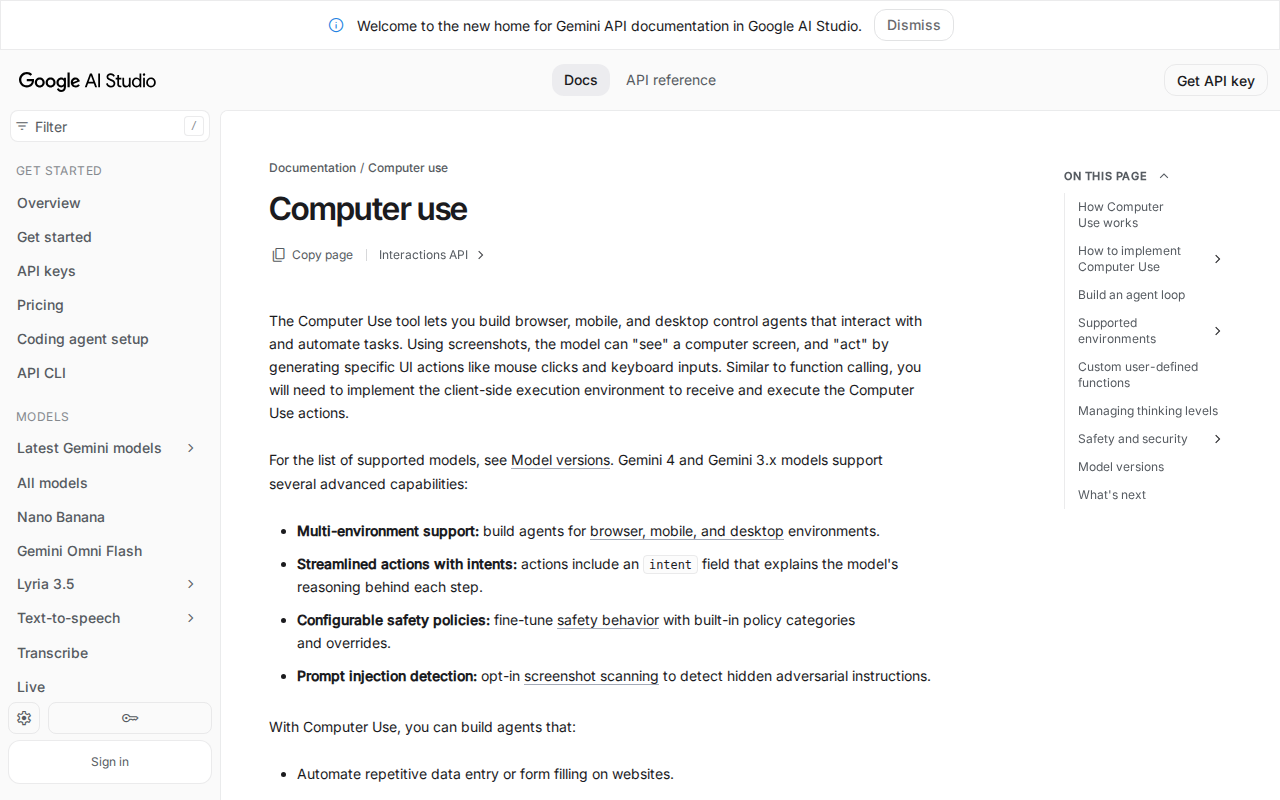
The Computer Use tool in the Gemini API lets developers build agents that control browsers, mobile devices and desktops. The model receives a screenshot and returns a UI action as a function call; the developer's own client runs that action, for example with Playwright, and sends back a new screenshot until the task ends. The page lists uses such as form filling on websites, automated testing of web applications and research across websites, and recommends running the agent in a sandboxed environment.
The documentation lists separate action sets for browser, mobile and desktop environments, and says safety policies and prompt injection detection are configurable on newer models.
Pinout
- MCP server: not checked yet
- HTTP API: supported, verified
- command line: not checked yet
- Python SDK: supported, verified
- TypeScript SDK: supported, verified
- OpenAPI description: not checked yet
| Interface | Status | Source we read | Read on |
|---|---|---|---|
| MCP server | Not checked yet | — | — |
| HTTP API | Supported, verified | Gemini API docs, Computer Use, REST/cURL | |
| Command line | Not checked yet | — | — |
| Python SDK | Supported, verified | Gemini API docs, Computer Use, SDKs | |
| TypeScript SDK | Supported, verified | Gemini API docs, Computer Use, SDKs | |
| OpenAPI description | Not checked yet | — | — |
Facts
| Pricing | The computer use tool has no free tier; on the paid tier it is charged as regular tokens at the price of the Gemini model used. Gemini API pricing page, pricing for tools, read . |
|---|---|
| Purpose | Lets developers build browser, mobile and desktop control agents that automate tasks. Gemini API docs, Computer Use, read . |
| Loop | The app sends a prompt and screenshot; the model returns a UI action; the client executes it and returns a new screenshot as a function_result until the task finishes. Gemini API docs, Computer Use, How it works, read . |
| Browser actions | Clicks, mouse down and up, drag and drop, typing, key presses, hotkeys, scroll, navigate, back, forward, wait and screenshot. Gemini API docs, Computer Use, Supported actions, read . |
| Mobile and desktop actions | Mobile environment lists open_app, list_apps, long_press and similar actions; desktop environments use OS-level cursor commands and keyboard actions such as press_key, key_down and hotkey. Gemini API docs, Computer Use, Supported actions, read . |
| SDKs and REST | Python (google-genai), JavaScript (@google/genai), Java, Go and REST or cURL. Gemini API docs, Computer Use, SDKs, read . |
| Safety decisions | A response may carry a safety_decision of allowed, require_confirmation or blocked; the client asks the user and sends safety_acknowledgement on approval. Gemini API docs, Computer Use, Safety, read . |
| Prompt injection detection | Opt-in; checks screenshots for hidden instructions; the documented default is false. Gemini API docs, Computer Use, Safety, read . |
| Sandbox advice | The page recommends running the agent in a sandboxed VM or container. Gemini API docs, Computer Use, Safety, read . |
Limits
- The developer must build the execution environment; the sample code is a starting point, not production-ready.
- The page says unexpected pop-ups or layout changes can confuse the model.
Strengths
- Safety decisions include a require_confirmation state that hands the choice to a person.
- Prompt injection detection is available as an opt-in setting.
- Python, JavaScript, Java, Go and REST are all documented.
Pricing
As written on Gemini API Computer Use's own page on the read date. Prices change: check there before you pay.
Alternatives to Gemini API Computer Use
All computer use tools for agents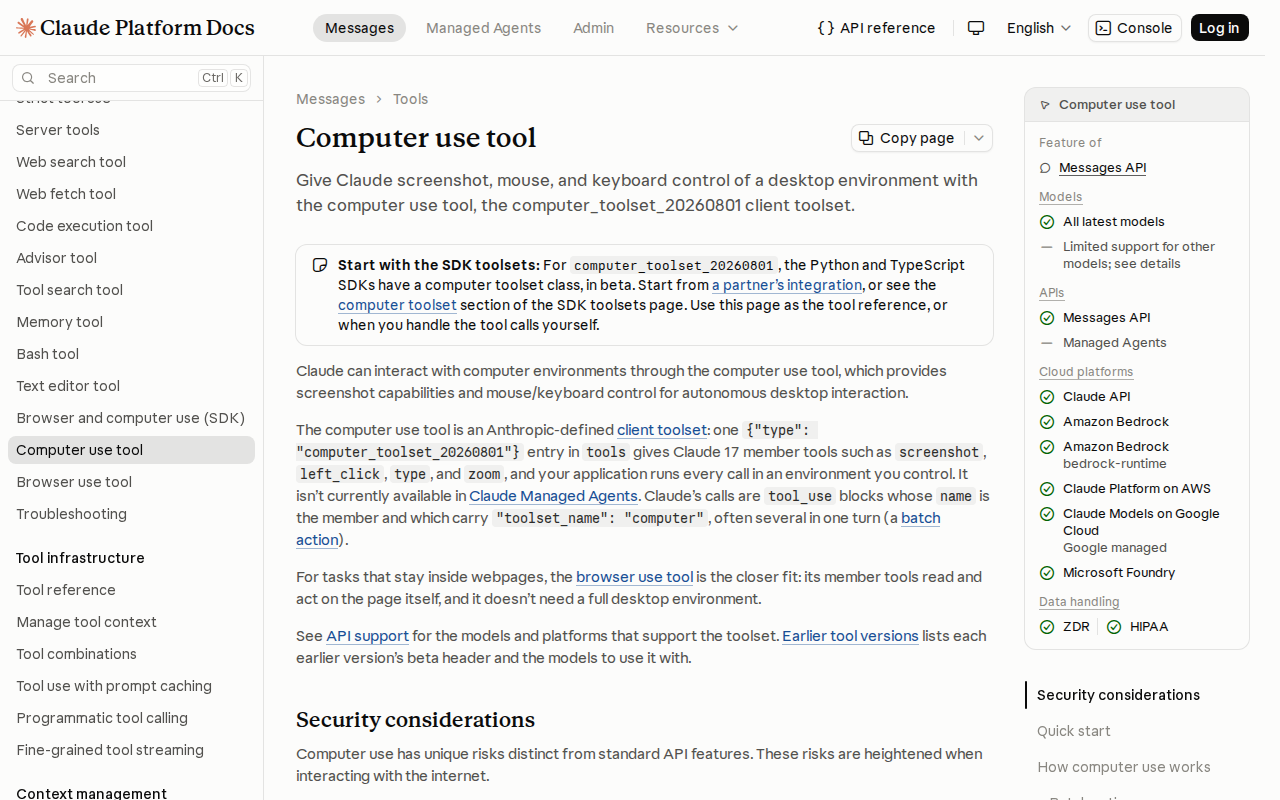
Claude API toolset for screenshots, mouse and keyboard control of a desktop.
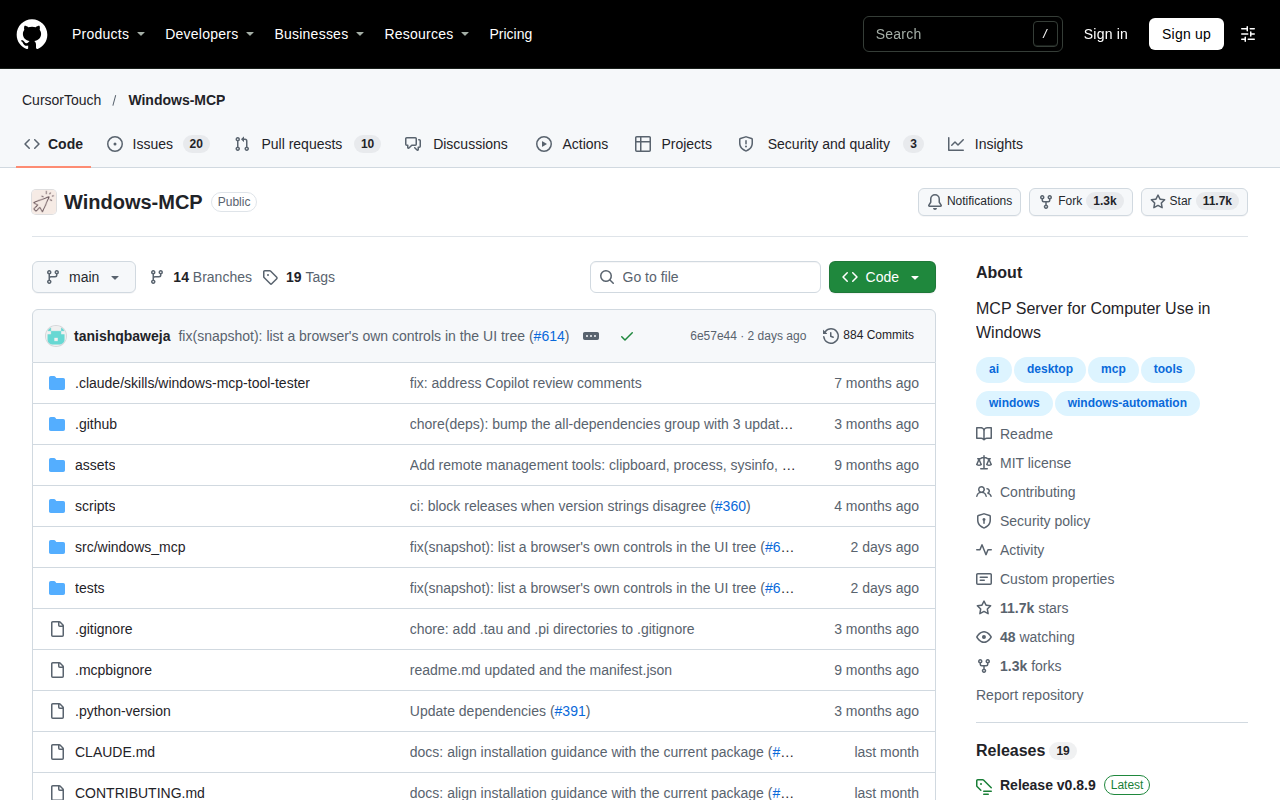
MCP server that lets AI agents operate Windows applications.
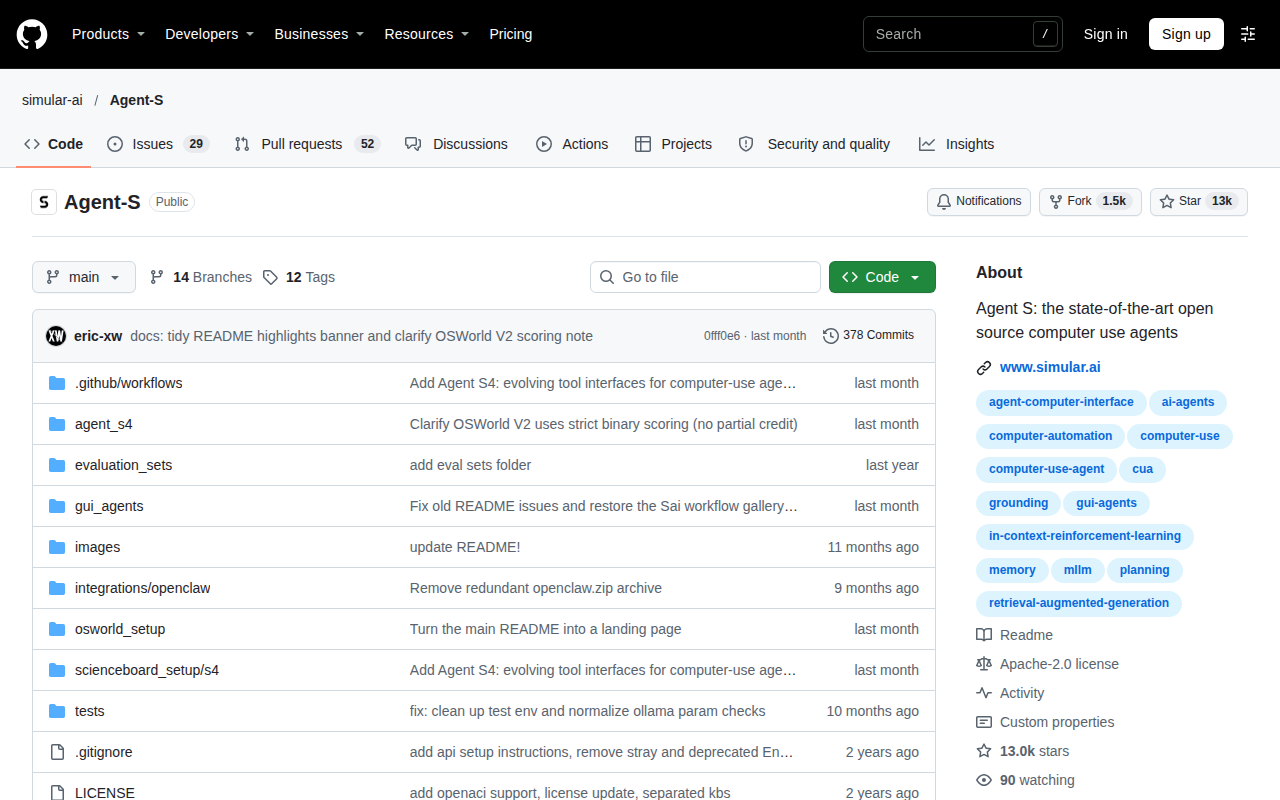
Simular's open-source framework for computer-use agents, plus a hosted API.
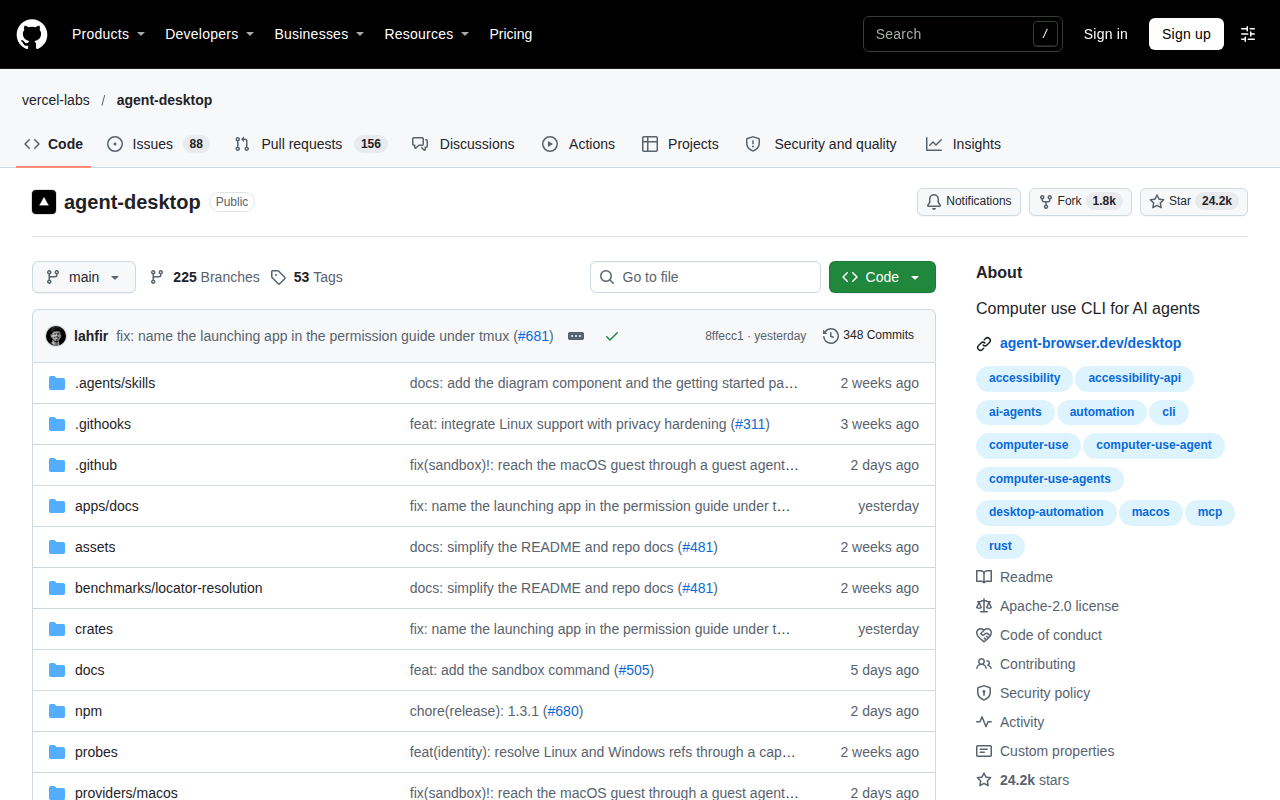
CLI that lets an agent operate desktop apps through accessibility trees.
Last check: . Method: product pages read automatically, page and day written down. Next check due within 90 days. How we check
Is this your tool? Write to hello@agent-tools.directory from an address on its domain to correct a pin or a fact.