Windows-MCP
Computer useMIT
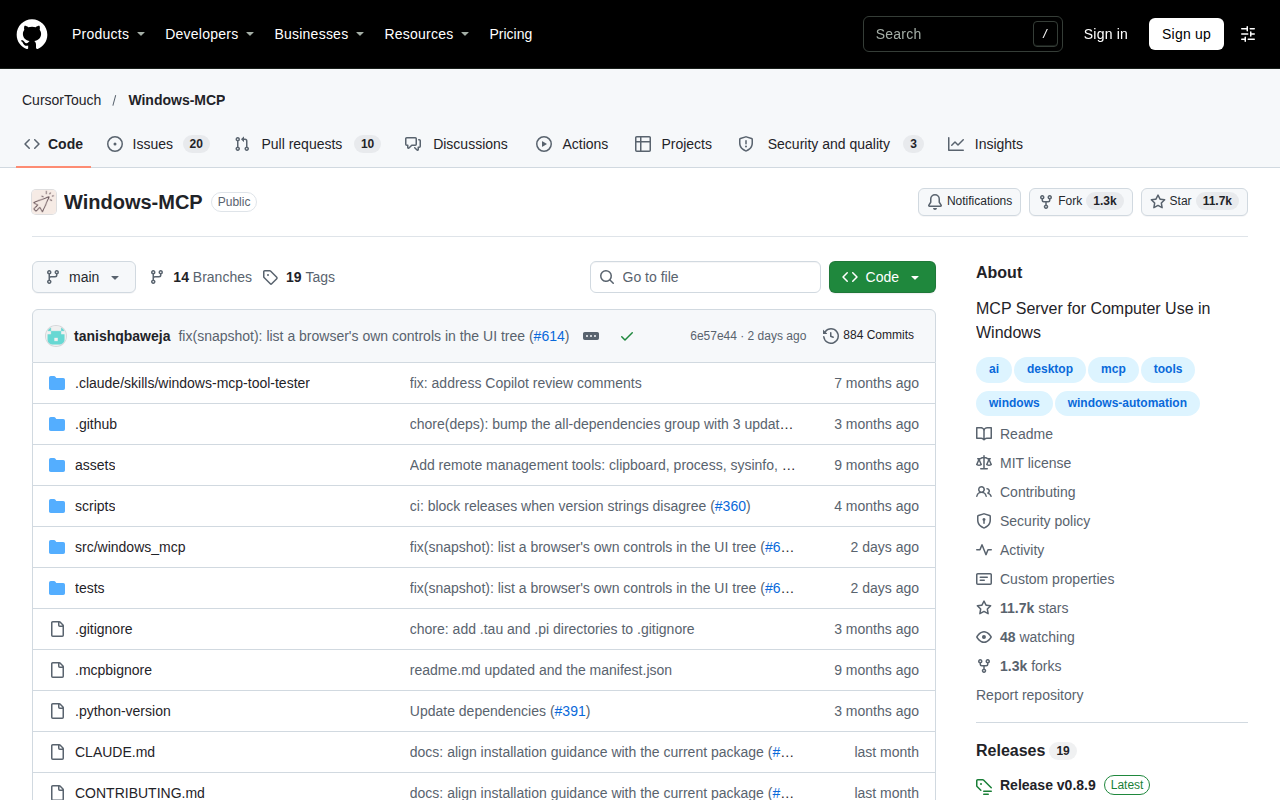
Windows-MCP is an open-source MCP server for computer use on Windows. It gives an MCP client tools to click, type, scroll, take screenshots, run PowerShell, read and write files and work with the clipboard on a Windows 10 or 11 machine. It installs with uvx, runs over stdio by default and also offers HTTP transports.
Pinout
- MCP server: supported, verified
- HTTP API: not checked yet
- command line: supported, verified
- Python SDK: not checked yet
- TypeScript SDK: not checked yet
- OpenAPI description: not checked yet
| Interface | Status | Source we read | Read on |
|---|---|---|---|
| MCP server | Supported, verified | Windows-MCP repository README, MCP server | |
| HTTP API | Not checked yet | — | — |
| Command line | Supported, verified | Windows-MCP repository README, serve/install/uninstall/auth | |
| Python SDK | Not checked yet | — | — |
| TypeScript SDK | Not checked yet | — | — |
| OpenAPI description | Not checked yet | — | — |
Facts
| License | MIT. Windows-MCP repository, license shown, read . |
|---|---|
| Operating systems | Windows 10 and Windows 11. Windows-MCP repository README, read . |
| Python requirement | The current package requires Python 3.14 or newer. Windows-MCP repository README, read . |
| Install | uvx windows-mcp serve, or from source with uv, or windows-mcp install for a per-user scheduled task. Windows-MCP repository README, install, read . |
| Transports | MCP over stdio (default), SSE and streamable HTTP; HTTP transports offer OAuth 2.0 with PKCE. Windows-MCP repository README, read . |
| CLI commands | serve, install, uninstall and auth. Windows-MCP repository README, read . |
| Tools | Tools include Click, Type, Scroll, Screenshot, Snapshot, PowerShell, FileSystem, Clipboard and Registry. Windows-MCP repository README, tools, read . |
| MCP clients named | Claude Desktop, Perplexity Desktop, Gemini CLI, Qwen Code, Codex CLI, Autohand Code and Claude Code. Windows-MCP repository README, read . |
| Last commit | . GitHub API, latest commit on the default branch of CursorTouch/Windows-MCP, read . |
| Frameworks | Claude Desktop (Windows-MCP repository README, read 2026-11-16); Claude Code (Windows-MCP repository README, read 2026-11-16); Gemini CLI (Windows-MCP repository README, read 2026-11-16); Codex CLI (Windows-MCP repository README, read 2026-11-16); Qwen Code (Windows-MCP repository README, read 2026-11-16); Perplexity Desktop (Windows-MCP repository README, read 2026-11-16). |
Call example
claude mcp add --transport stdio windows-mcp -- uvx windows-mcp serveStrengths
- It runs over stdio and over HTTP transports with OAuth.
- A command line covers serve, install and auth.
- The project is MIT licensed.
Alternatives to Windows-MCP
All computer use tools for agents
Simular's open-source framework for computer-use agents, plus a hosted API.
CLI that lets an agent operate desktop apps through accessibility trees.
Open-source drivers and sandboxes that let AI agents use computers.
Claude API toolset for screenshots, mouse and keyboard control of a desktop.
Last check: . Method: public repository and docs read automatically, page and day written down. Next check due within 90 days. How we check
Is this your tool? Write to hello@agent-tools.directory from an address on its domain to correct a pin or a fact.